Follow this guide if you have a Zigbee2MQTT network running and want to migrate to Home Assistant Connect ZBT-1 and Zigbee Home Automation (ZHA).
This migration is done in 2 steps:
- Migrating the Zigbee2MQTT network to ZHA using the old adapter.
- Migrating this ZHA network to Home Assistant Connect ZBT-1
Not possible to migrate all settings and devices
This procedure only helps migrate basic network settings to Home Assistant Connect ZBT-1.
- Customizations like device names will be lost and automations will need to be updated.
- Most powered devices like light bulbs will be re-discovered over time (you can speed this up by power-cycling the device) but your battery-powered devices may need to be re-joined to the network for the migration to complete.
- There is currently no migration path to migrate all settings and devices.
If you no longer have the old adapter, you can migrate via a Zigbee2MQTT backup.
Migrating a Zigbee network from Zigbee2MQTT to ZHA using the old adapter
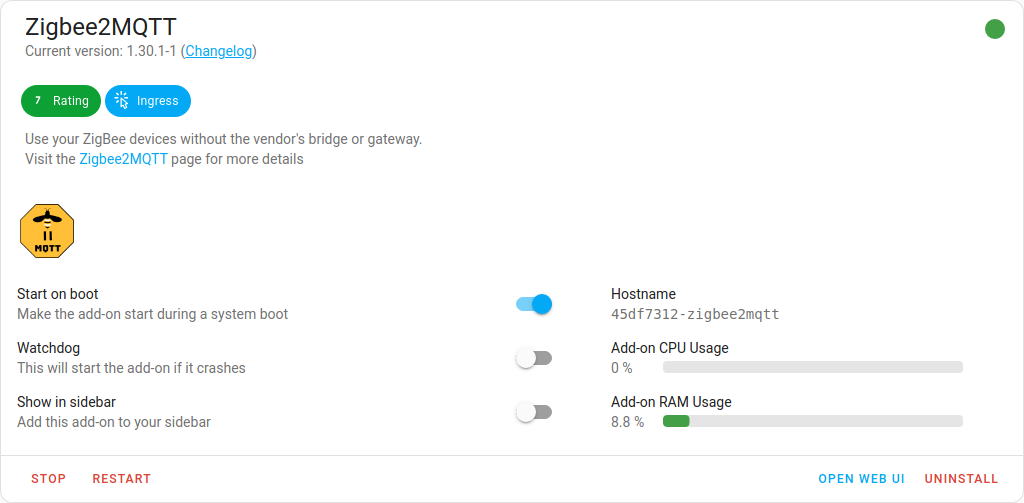
- Under Settings > Add-ons, in the Zigbee2MQTT add-on, select Stop.
- Zigbee2MQTT uses the MQTT discovery feature to make the Zigbee devices available in Home Assistant. After removing the Zigbee2MQTT add-on, the devices are still present in Home Assistant since the MQTT broker is still holding on to the MQTT discovery messages.
- It is recommended to remove these stale devices from the MQTT broker (see next steps).
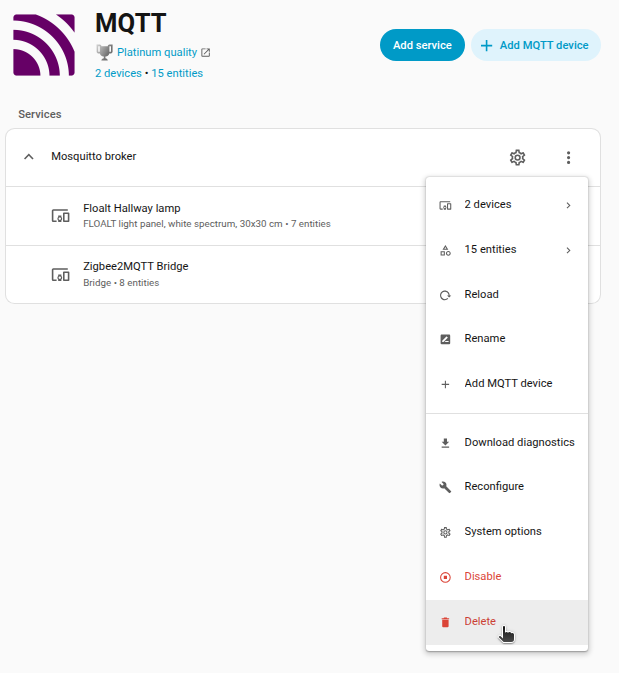
If you don't use MQTT outside of Zigbee2MQTT, you can delete the MQTT integration.
- Under Settings > Devices & services, select the MQTT integration.
- Select the three dots and in the dropdown menu, select Delete.
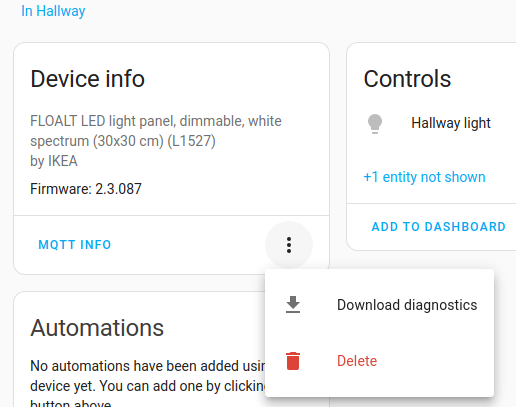
If you don't want to delete the MQTT integration, you can remove the individual devices provided by the MQTT integration.
- In the integration card, select Devices, under Device info, select Delete.
- Repeat this for every device.
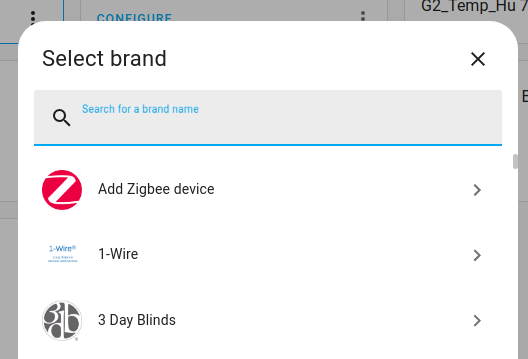
- Under Settings > Devices & services, if you do not see the ZHA integration, select the Add integration button.
- From the dropdown list, select Add Zigbee device.
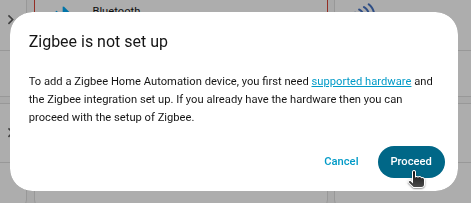
- Make sure your old adapter is still plugged in.
- Select Proceed.
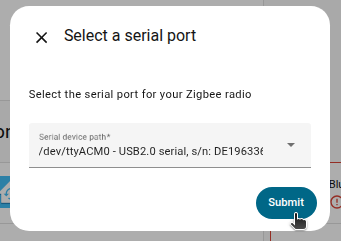
- Choose the serial device path of your old adapter.
- Select Submit.
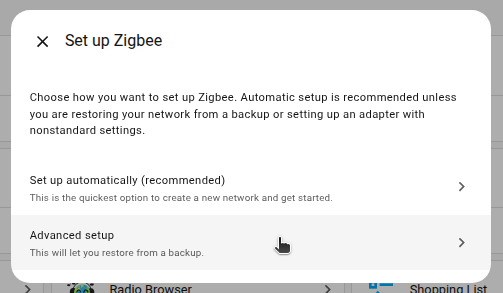
- Select Advanced setup.
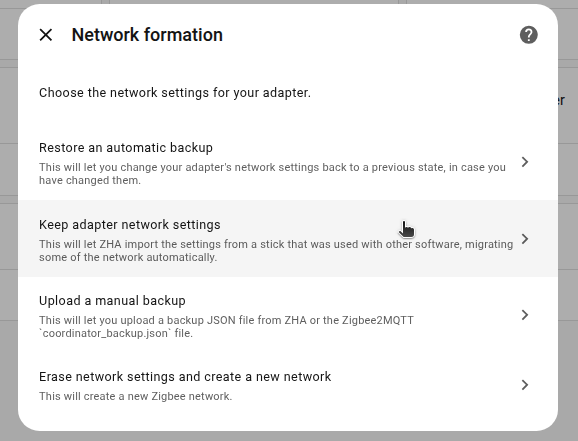
-
Select Keep adapter network settings.
- This lets Zigbee Home Automation (ZHA) import settings from another device that was used with software other than ZHA.
- This way, some of the network settings can be migrated automatically.
- Troubleshooting: If you are seeing a repair issue Zigbee network settings have changed, and the text network settings are inconsistent with the most recent adapter, select the option Keep the new settings.
-
Result:You can now start migrating the ZHA network as described below.
Migrating the ZHA network to Home Assistant Connect ZBT-1
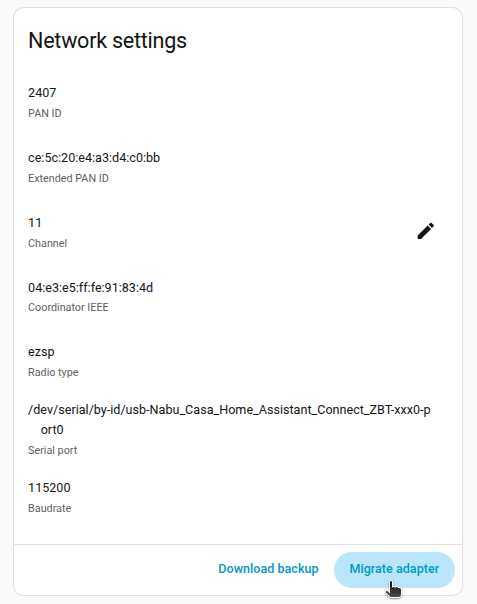
- Under Settings > Devices & services, select the ZHA integration, then select the cog wheel.
- Under Network settings add-on, select Migrate adapter.
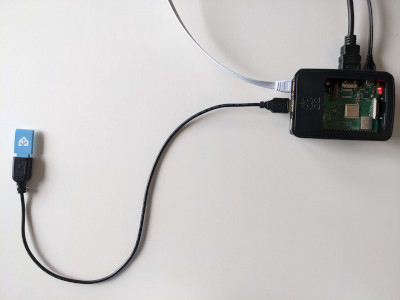
USB 3.0 ports and USB 3.0 drives can cause interference with 2.4 GHz protocols, including the ones provided by Home Assistant Connect ZBT-1.
- It is important to use the USB extension cable and to position the Home Assistant Connect ZBT-1 away from possible interference sources.
- This video shows the effect of interference.
- Plug the Home Assistant Connect ZBT-1 into the USB extension cable.
- Plug the extension cable into your Home Assistant instance.
- If you are using the standalone Home Assistant Container installation method, make sure Connect ZBT-1 is mapped to the container.
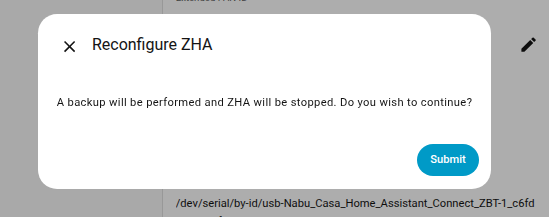
- To reconfigure ZHA, select Submit.
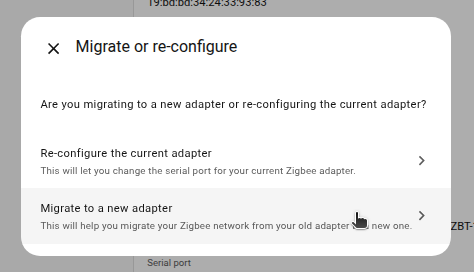
- Select Migrate to a new adapter.
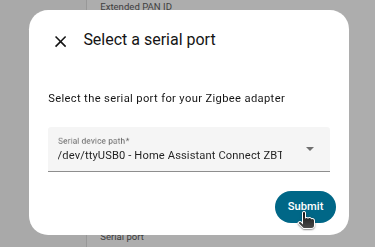
- Choose the serial port showing your new adapter and select Submit.
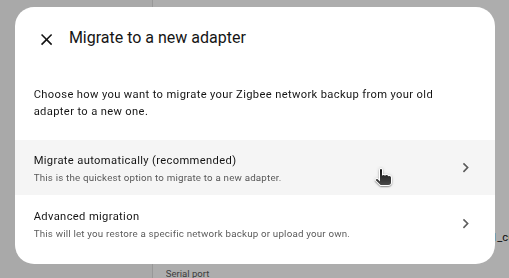
- To use the backup that was created during this migration, select Migrate automatically (recommended).
- This is the quickest way to complete the migration.
- To restore a specific, older backup, select Advanced migration instead.
- This will let you select a backup of your choice.
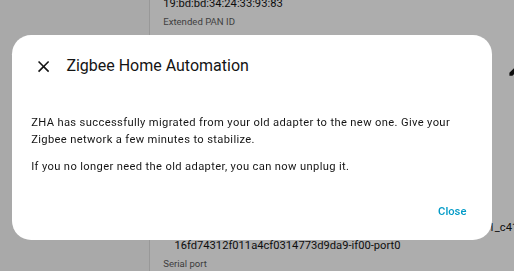
- The migration process is now complete.
- Info You won't be able to control the devices until they rejoin the network.
- Normally, they rejoin within one hour.
- You may be able to accelerate that process by power-cycling devices.
- You can now remove the old Zigbee adapter.